
How to Search Cases by Name
Go to Indiana MyCase and open the Name tab. A last name or business name is required. First and middle names help narrow a person search, but the last name has to come first. Mixing a business name with a last name won't work, and a date-of-birth range also requires a last name in the query.
- Choose Name, then enter the last name or the full business name.
- Add a first or middle name only if it improves the match.
- Select Daviess County in the Court list.
- Use CR, CV, FAM, or PR only if the case group is known.
- Review each result by court, caption, type, file date, and status before opening it.
Spelling trouble? The sounds-like control catches variants, though it can pull in false matches. A common name may return several people, so a bare result proves nothing about identity. Treat the search as a way to locate a known court matter, not to build a person's full history.
Daviess MyCase Has Three Search Tabs
MyCase gives you three tabs: Case, Name, and Attorney. Picking the right one cuts down errors. The Case tab takes a single identifier, Name finds a party or business, and Attorney accepts either an attorney name or an Indiana bar number. Those two routes are alternatives, so use one or the other.
| Tab | Best input | Key limit |
|---|---|---|
| Case | Cause, citation, or cross-reference number | Use exactly one identifier type |
| Name | Last name or business name | Do not mix business and person fields |
| Attorney | Name or bar number | It is not an attorney directory |
The inspected search screen and its field order appear below.
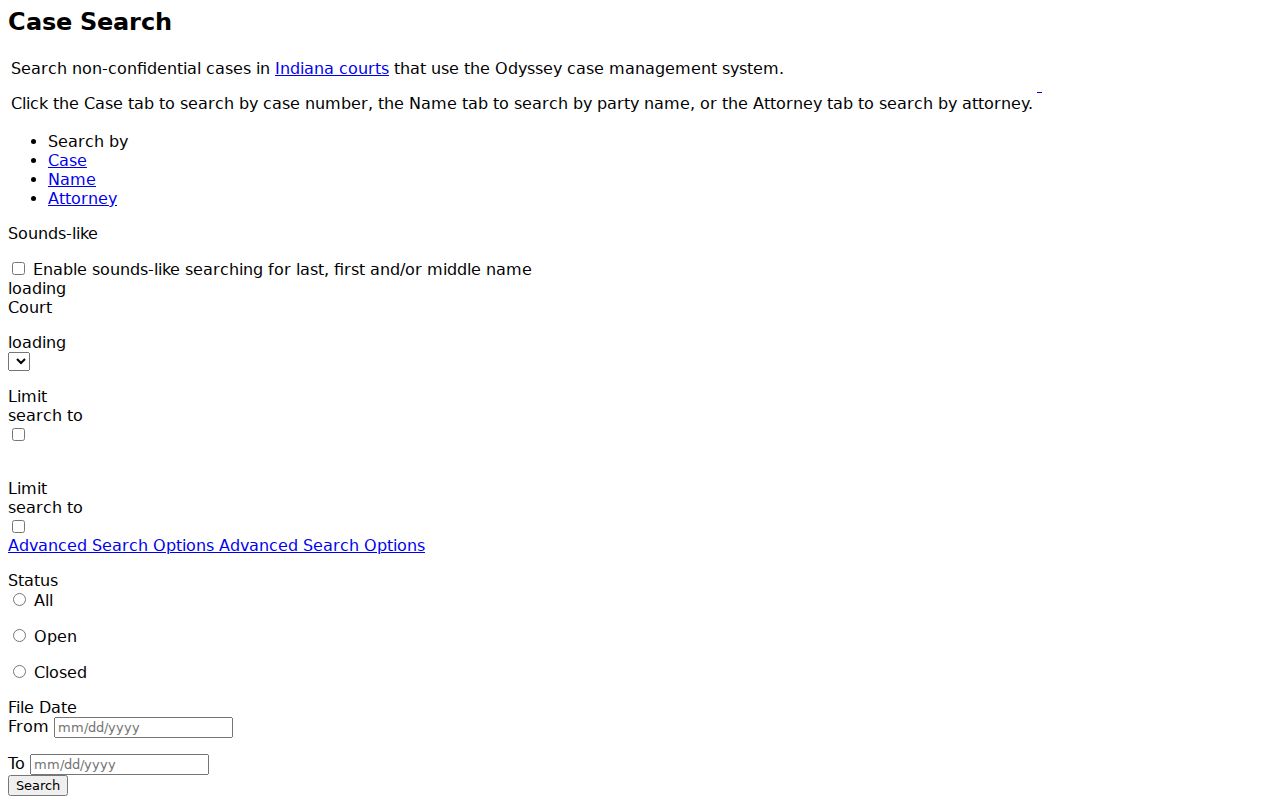
Once the main identifier is in, apply the court, category, status, and file-date filters. They work best as a second step rather than a first move.
How to Search by Case Number
Indiana's uniform cause number packs a lot into one line. It encodes the county, the court, the filing period, the case type, and the sequence. For Daviess cases, the current pattern is 14C01-YYMM-TT-##### in Circuit or 14D01-YYMM-TT-##### in Superior. The TT slot holds a case-type code. Examples include IF, CM, F6, PL, EU, SC, DR, or PO.
According to the official MyCase search tips, you may leave out punctuation and leading zeros when searching by case number. The Case tab also takes a citation number or a prosecutor cross-reference number. Only one of those three identifier types can be entered at a time. Citation formats also vary across the county, so expect some inconsistency there.
A trailing wildcard is allowed after any value that starts with a letter or number. So 14D01-YYMM-IF* is a pattern, not a real case. A wildcard search can turn broad. Narrow it by county, type, status, and file date, because MyCase will not return more than 1,000 results.
Daviess Codes Separate Two Courts
Both Daviess courts, Circuit and Superior, went live in Odyssey on December 2, 2019. Circuit carries the code 14C01, and Superior carries 14D01. A third code, 14E01, belonged to the old Daviess County Court, which is now abolished, though archived material may remain wherever Odyssey retains it. The official Odyssey court list shows these identifiers on the state courts site.
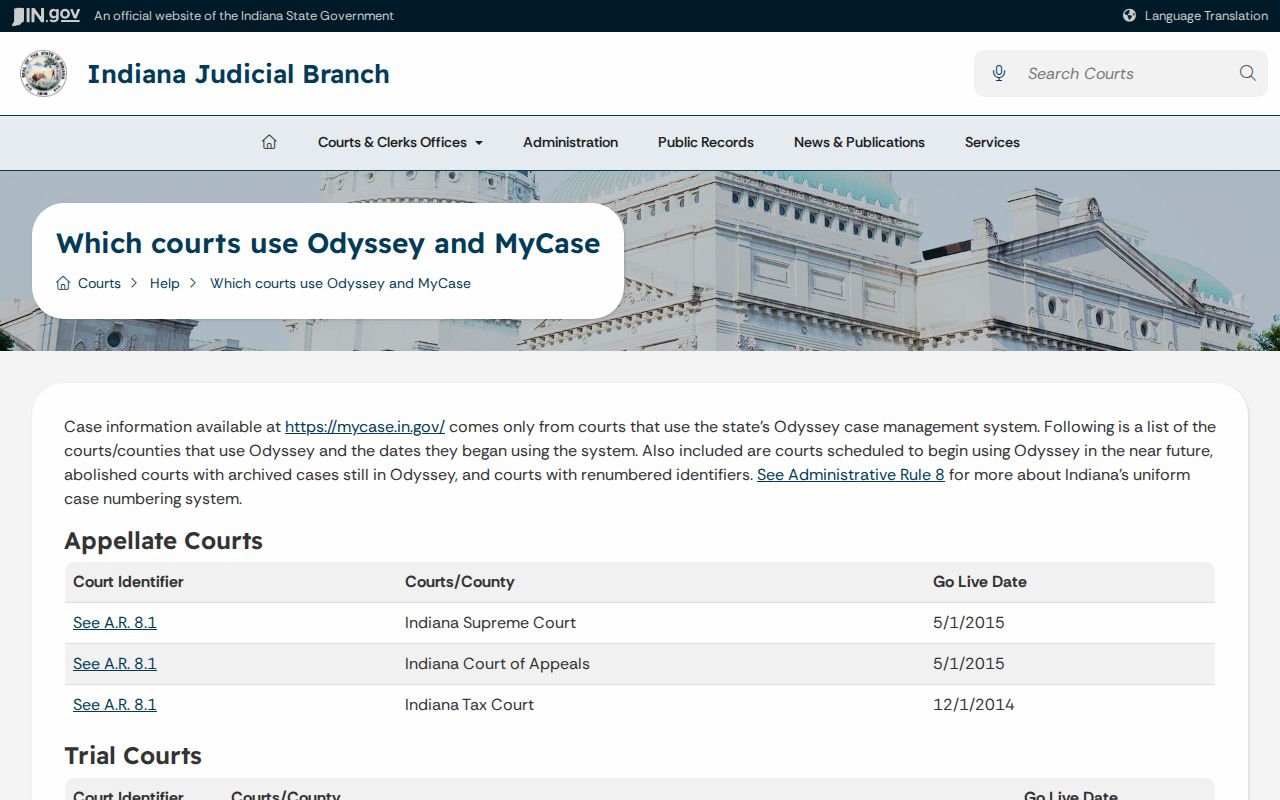
Checking that code prevents a common mistake. Circuit does not handle all civil matters, and Superior does not hold just one narrow docket. Under the local rule, family, probate, juvenile, guardianship, foreclosure, protective-order, and small claims cases go mainly to Circuit. Most criminal, infraction, and ordinance cases go to Superior. Anything else can be filed in either court.
What a Case Search Shows
A search result opens a case summary. It shows identity, status, party, event, and financial fields as they apply, and blank fields are completely normal. Some public cases include links to orders or other documents, while others display nothing more than the docket entry.
| Cause number | County, court, filing period, type, and sequence identifier. |
|---|---|
| Case style | The caption or short title used by the court. |
| Status | Open, closed, or another system state, with a status date. |
| Parties | Public names and roles such as plaintiff, defendant, petitioner, or respondent. |
| CCS events | The chronological case summary of filings, settings, orders, service, and outcomes. |
| Documents | Links to public files when that case type and audience permit online access. |
| Financial summary | Charges, credits, payments, and a balance that may not be current. |
A docket event with no document link is still an event. The missing link means nothing bad. It does not mean the filing is false or absent from the official file. Keep the same caution with results. A case type, or any single event, cannot establish guilt, liability, or whether an order still has force.
Daviess Filters Cut False Matches
Choose Daviess County rather than leaving the court field statewide. The current selector exposes CR, CV, FAM, and PR groups. Unsure which group applies? Leave it broad. Advanced Search also offers All, Open, and Closed status options plus From and To file dates in mm/dd/yyyy format.
Note what the file-date fields actually search. They look for when the matter began, not for a hearing set on that day. To find scheduled settings, open the result and read the chronological event list. For more help with an upcoming appearance, see the county's Court Dates resource.
- CR
- Broad criminal grouping.
- CV
- Broad civil grouping.
- FAM
- Family case grouping.
- PR
- Probate-related grouping.
- CCS
- Chronological Case Summary, the ordered docket-event list.
Adding filters beats repeating a huge name search. The CAPTCHA and the 1,000-result ceiling are deliberate access controls on the portal.
County vs Statewide Case Search
MyCase serves as a statewide portal for Odyssey courts. The Daviess County Clerk keeps the local official file instead. Those two channels answer different needs. The portal is the fast route for locating a cause number. It also shows allowed docket events. The Clerk is the fallback. Use it for official copies, older court records, missing documents, and any question about the maintained file.
| Point | MyCase | Daviess County Clerk |
|---|---|---|
| Reach | Odyssey courts across Indiana | Daviess Circuit and Superior files |
| Best use | Locate a case and read public events | Verify the official record or request a copy |
| Access | Online public search | Phone or counter; mail for documented written routes |
| Limits | Not all courts, history, documents, or restricted matters | Access rules and fees still apply |
You can reach the Clerk's Office at 200 East Walnut Street, Washington, Indiana 47501. Published weekday hours run 8:00 a.m. to 4:00 p.m., and the phone is 812-254-8670. If a document or an older case is the goal, call before making the trip.
Daviess Results Are Not the Official File
The official MyCase help page carries a clear warning for searchers. Public information can contain errors or omissions and is not the official court record. The page also recommends current browsers, notes the CAPTCHA, and cautions that displayed financial balances may not be current.
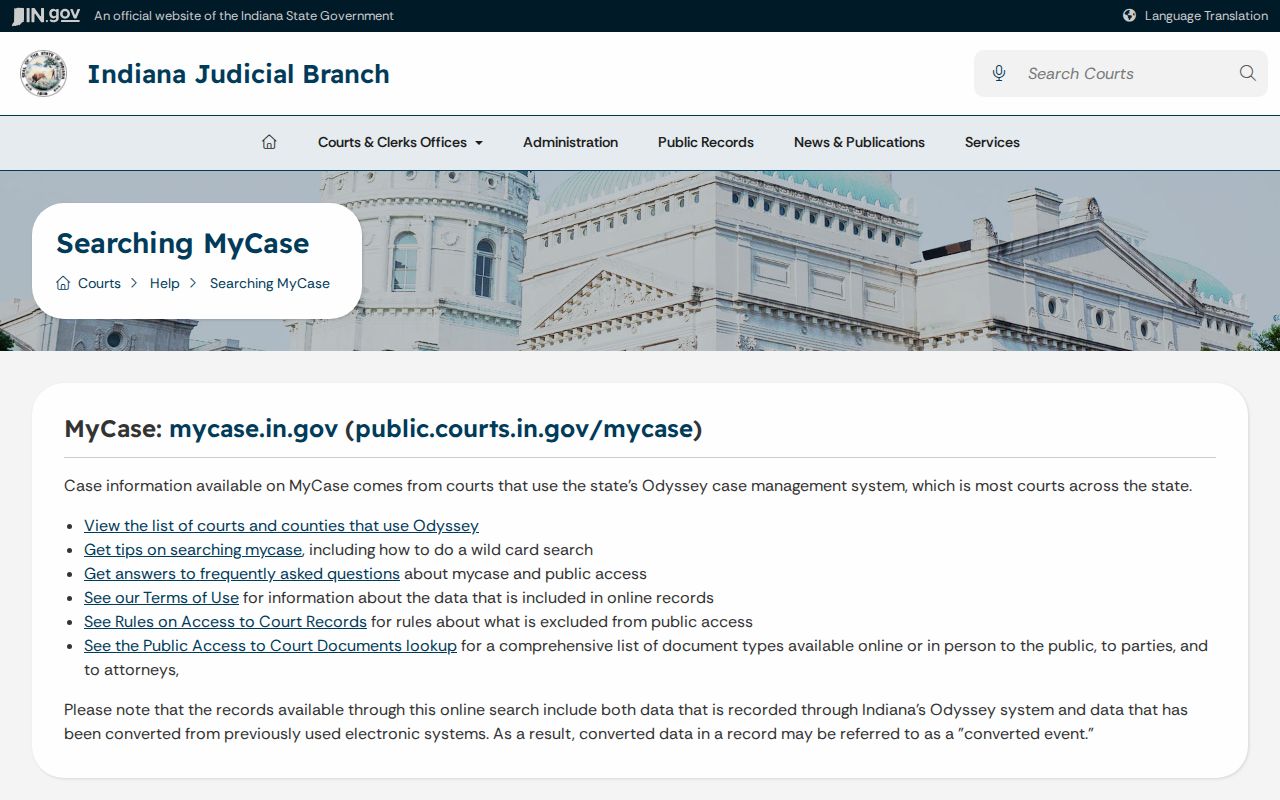
The help page points to a simple fallback: confirm key facts with the Daviess County Clerk or the court where the case was filed. The public-document matrix is separate from the case index.
Online results split into orders online, other documents online, orders in person, and other documents in person, each keyed to case type and audience. A missing link never proves the paper is gone.
Restricted Cases and Access Rules
Some Daviess County court docket material stays off limits. Confidential, sealed, juvenile, mental-health, adoption, protection-order, guardianship, and certain paternity files may be missing or trimmed. Expunged matters that a judge granted do not show up as ordinary public results. Rule 5 shields sensitive personal, financial, medical, treatment, victim, and witness details. A docket search may find the case. That does not hand a public user party or attorney access.
Online absence is not proof of no case. The record may be restricted, older than available Odyssey data, filed in a separate system, or available only through the Clerk.
Access to excluded material requires the process allowed by Indiana's court access rules, not repeated searching.
Need an official copy? The Indiana court-record request page sends county court copies to the Clerk and transcripts to the court reporter. Find the case first. Then the Daviess Court Record Search process covers pulling a maintained document.
Daviess Bulk Data Uses Another Route
The name-search screen gives no public export. A CAPTCHA and a 1,000-result cap block scraping and broad harvesting. Bulk collection through that page is improper, so Indiana routes bulk court-data requests elsewhere. Those go in writing to the Office of Court Services instead. The Indiana publications and bulk-data hub lays out that official route. It also shows what the state publishes at scale.
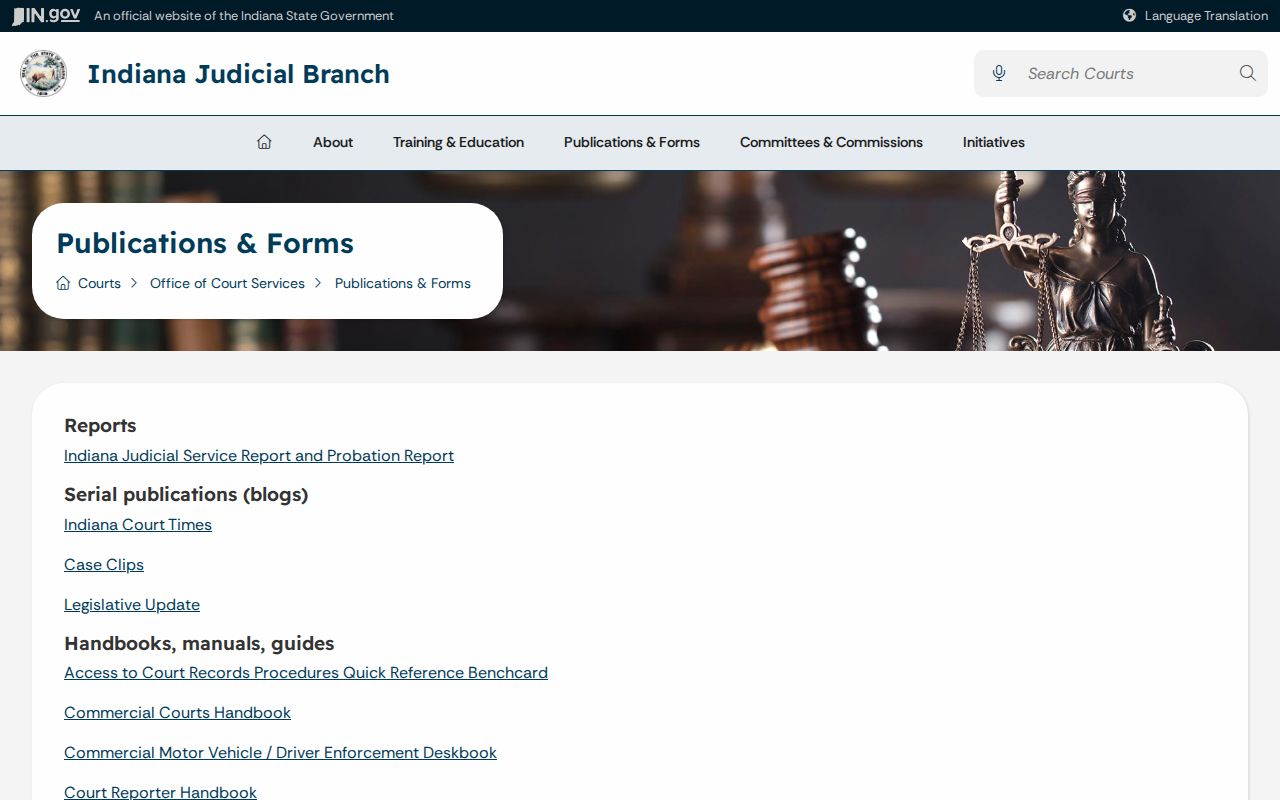
Its forms and manuals serve a different job than pulling one Daviess County case for a filing, hearing, outcome, or public-interest question. The ICOR statistics portal is likewise separate from MyCase.
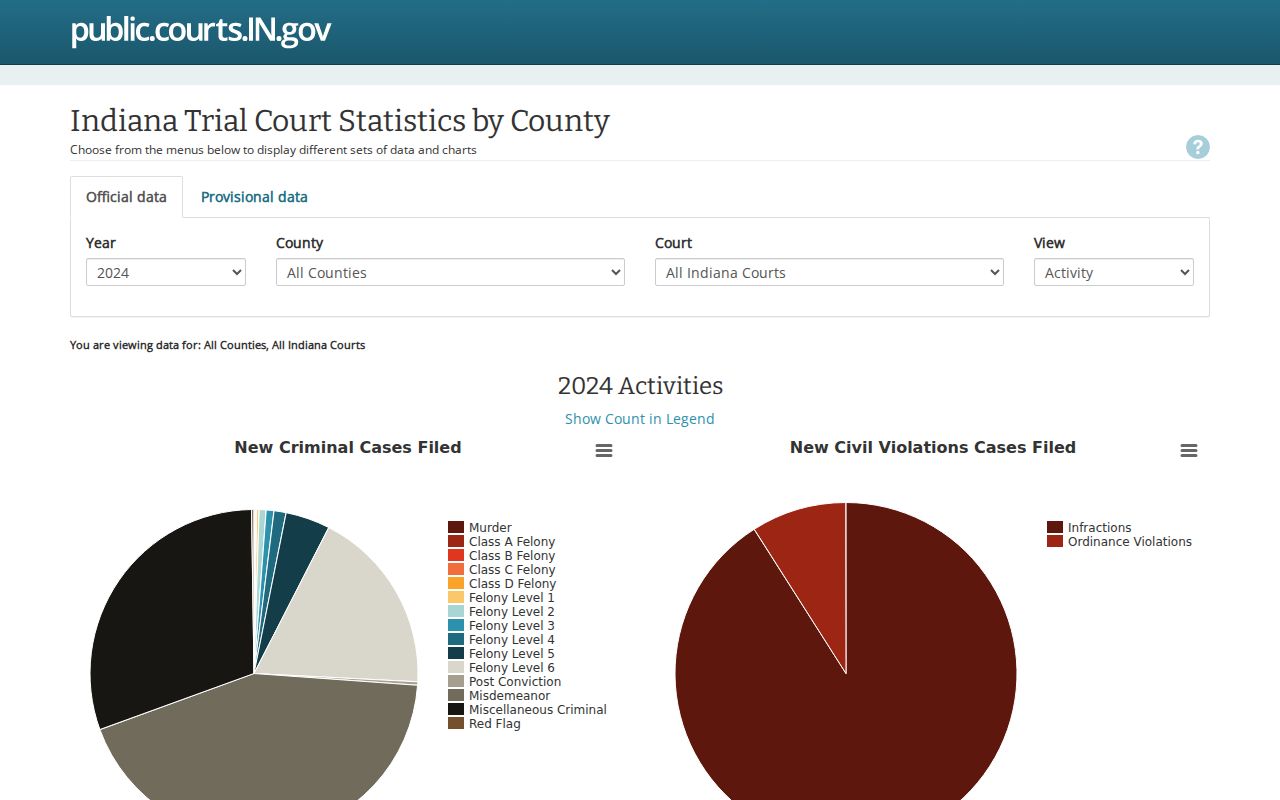
ICOR reports court statistics, not party-level case summaries, and it never replaces the Clerk's official record.